
The Ben Horton
Lightroom Workflow
A sequenced system for finishing images. Thirty-two presets, six stages — refined over twenty years in the field and thousands of presets tested.
Presets have never really worked for me. I imagine they've never really worked for you either.
One-click looks flatten every image into the same shape. A frame shot in harsh Baja sun and a frame shot in blue hour over the Sea of Cortez have nothing in common, and pretending they do is why most preset packs end up unused in a folder somewhere.
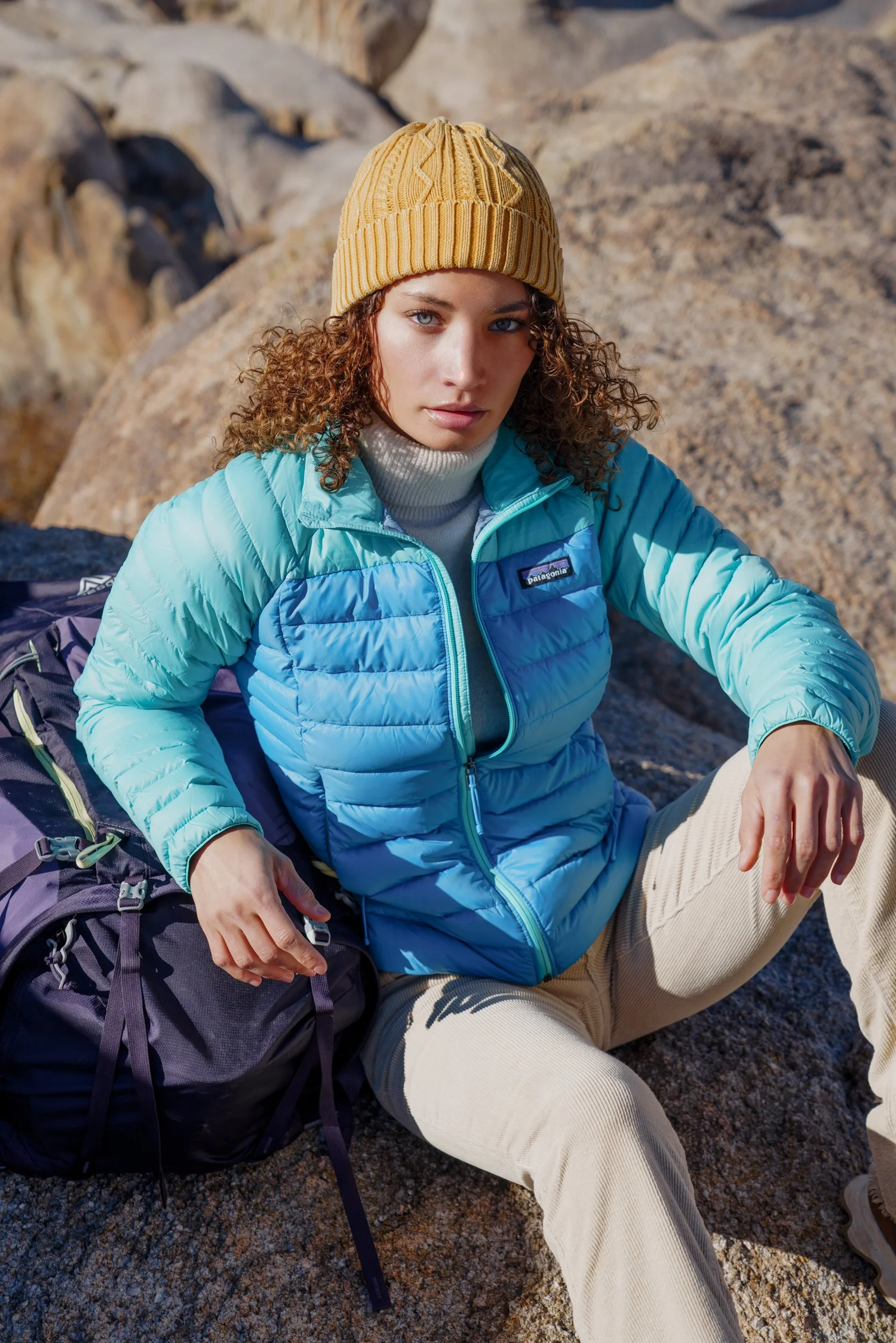
What has worked — for roughly ninety percent of my images — is a workflow. A sequence of small, honest adjustments applied in order and tailored to each frame. That's what this is.
You still have to make the image yours. This is a framework, not a shortcut.
Natural Light. Honest Images.
The workflow is built around a specific set of priorities, and it's worth knowing what they are before you buy.
Smooth tonal transitions
No crunchy highlights, no broken shadows, no banding in the skies. Images should breathe.
Natural contrast
Enough contrast to hold the eye, never so much that the image starts shouting. The scene does the work.
You could have stood there
The goal is that someone looking at the image feels like they could have seen it themselves, in that light, in that moment. Not a filtered version of reality — reality, rendered carefully.
A lean toward film
I love the look of film, and some of these presets lean that direction — grain, gentle falloff, honest color. Never to the point of caricature. Film without costume.
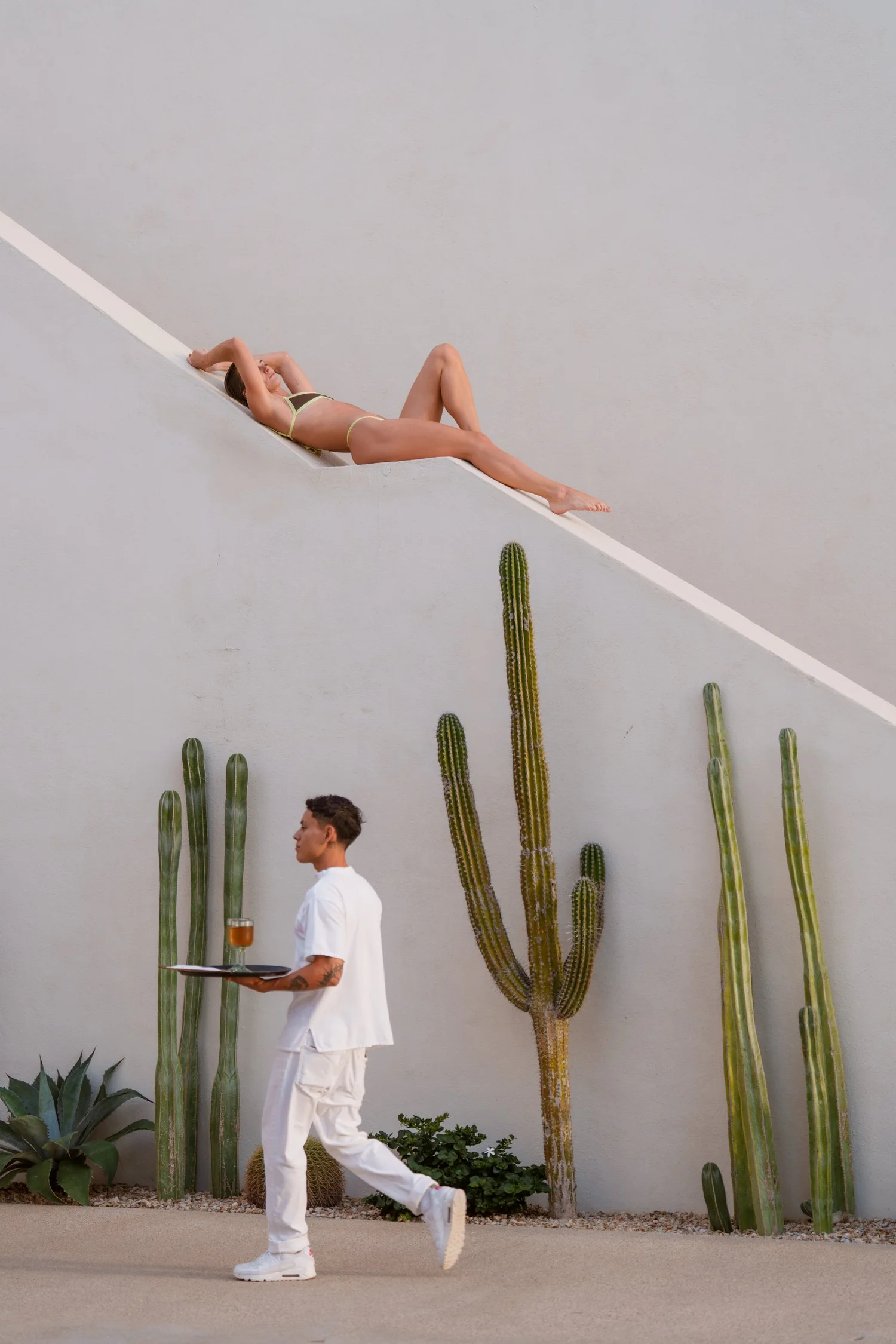
Six Stages, Applied in Order
1st Steps
Every image begins here. Two ingest filters give you a clean, neutral starting point — the digital equivalent of developing the negative before you start printing. I built two because different cameras and shooting conditions respond better to different baselines. Pick whichever suits the image. Push and Pull handle exposure correction.
Four presets · Ingest Filter 1, Ingest Filter 2, Push, Pull
Curves
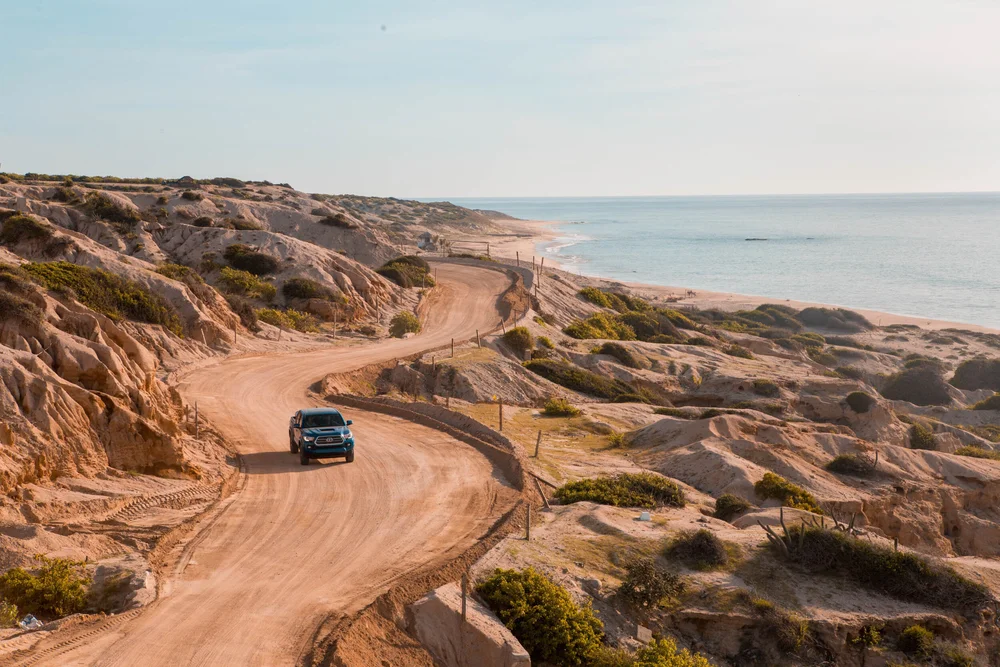
OptionalTone and contrast shaping in Lightroom. Five curves built from years of tuning for different conditions — bright desert light, moody ocean scenes, editorial falloff. Skip this stage if you plan to do your curves work in Photoshop. Use it if you don't.
Five presets · Decrease Contrast, Fade, Increase Contrast, Increase Contrast Brighter, Increase Contrast Darker
→ Photoshop
For high-level work, this is where I move the image into Photoshop. Heavier curves, detailed skin, dodge and burn, the things Lightroom can't do gracefully. This is how I finish portfolio work and gallery prints. Not required — the workflow stands alone in Lightroom — but if you're going to use Photoshop at all, this is where it belongs. Then back to Lightroom for the remaining stages.
Skin
OptionalSkin work for portraits. A natural portrait baseline, two smoothers for texture and tone, and a warmth tool for tan subjects. Skip this stage if you're doing your skin retouching in Photoshop. Use it when you're not, or when the subject is further from camera and doesn't need heavy work.
Four presets · Natural Portrait, Skin Texture Smoother, Skin Tone Smoother, Tan Generator
Styles
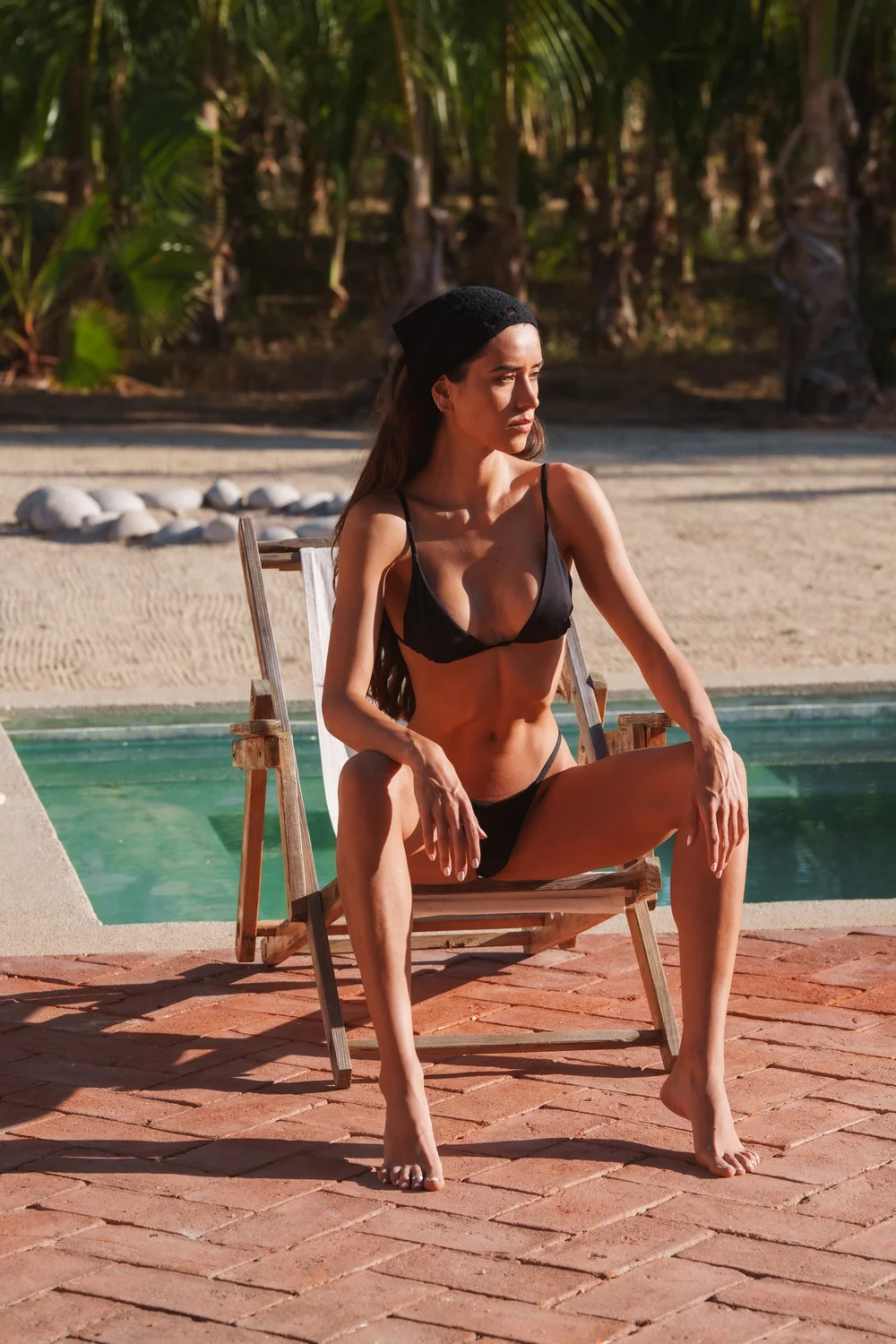
Color grading. Seven looks I return to constantly — warm editorial tones for lifestyle and swim, a landscape palette, a green desaturation for lusher scenes, two sunset grades, a hotel pool look tuned for luxury hospitality work, and a clean natural rendering for when the image just needs a touch. Apply one. Or none, if the image is already where it needs to be.
Seven presets · Editorial Warm Tones, Green Desat, Hotel Pool, Landscape, Natural, Sunset 1, Sunset 2
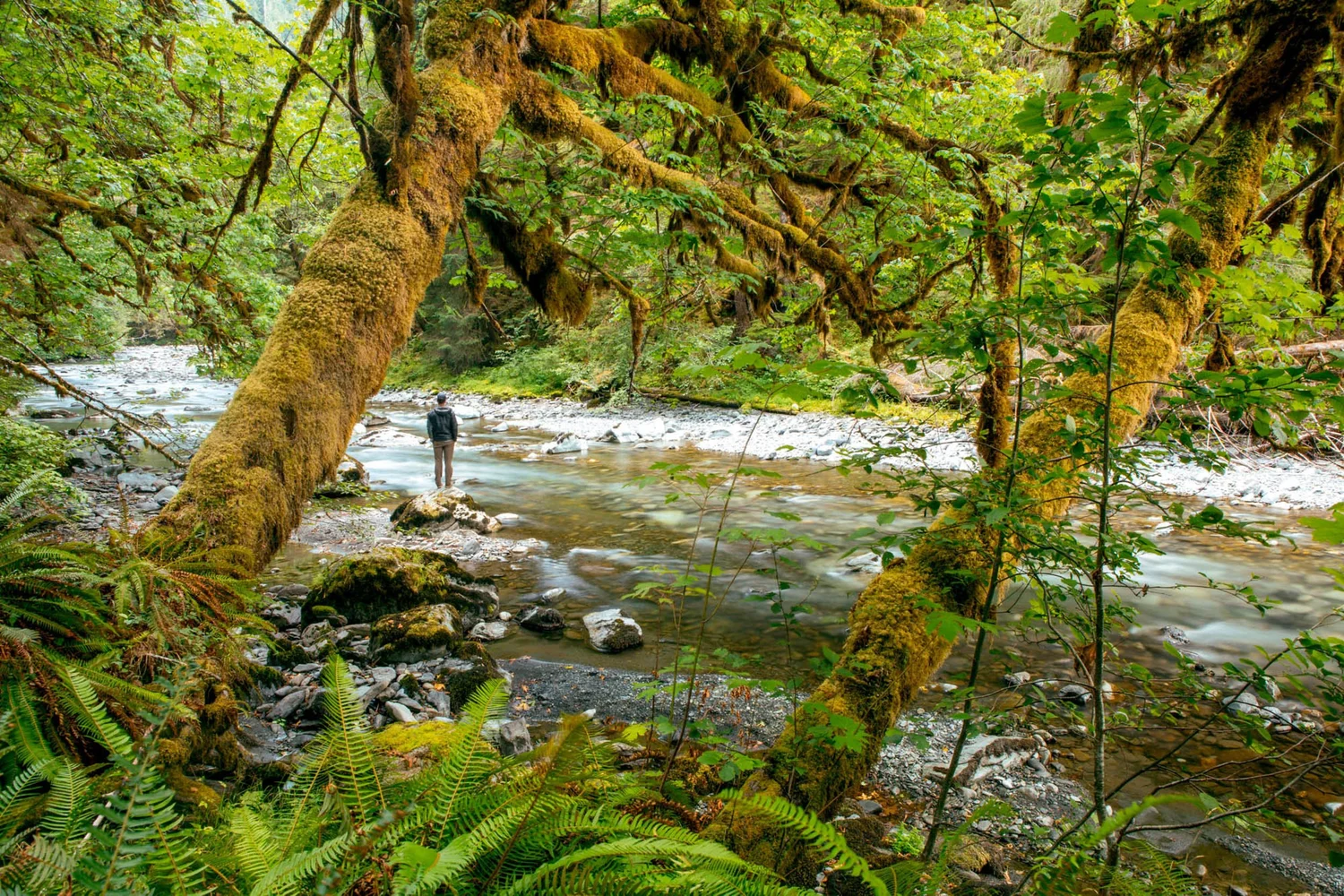
Black and White
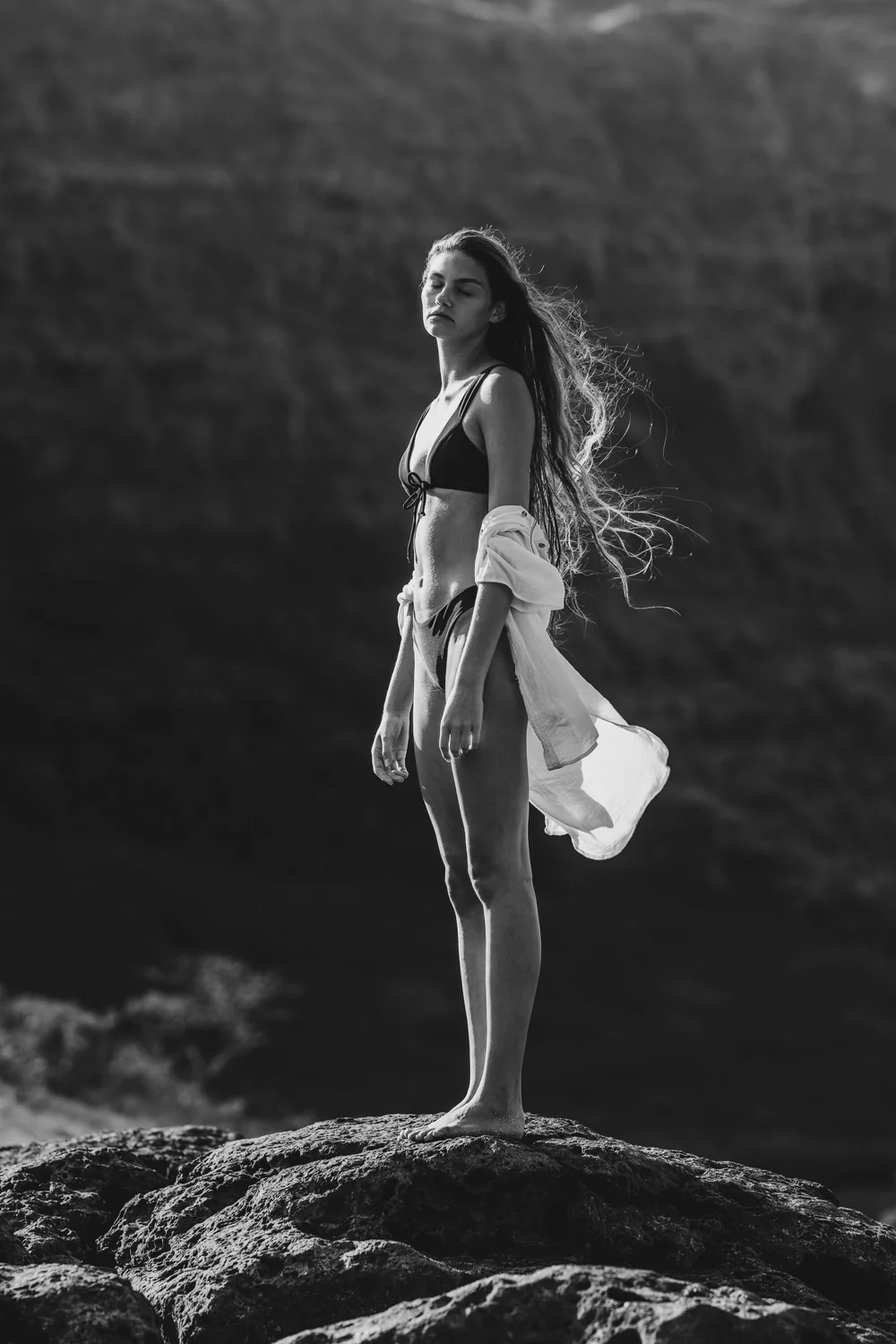
Seven black and white conversions, each built for a specific kind of light and subject. Note: the color Styles don't apply here. Black and white has its own rules — trying to run color grading over monochrome is how you end up with muddy, tinted results. These are the conversions that work.
Seven presets · Baja Bound, Blue Filter, Cactus, Elisa, Kyra, Soft, Underwater
Grain
A film finish. Five grain presets ranging from barely-there to what I call Mucho Grains — for when you want the image to feel like it was shot on Portra 800 pushed a stop in a hotel bathroom in La Paz. Subtle, or not subtle at all. The difference between a digital file and a photograph.
Five presets · Light, Medium Light, Medium, Strong, Mucho Grains

Thirty-Two Presets, Ready to Install
Lightroom Presets
Organized into six sequenced stages, installable in seconds.
Workflow Stages
A clear order of operations that works on most images.
Workflow Guide
Installation instructions and how to use each stage in practice.
Before You Buy
What version of Lightroom do I need?
The presets ship as .xmp files and work in Lightroom Classic (version 7.3 and later) and the current Lightroom desktop app on Mac and PC. If you're on a version older than that, the files won't import cleanly.
Will they work on Lightroom Mobile?
Yes. If you sync your Lightroom desktop catalog to the cloud, the presets will sync across to Lightroom Mobile automatically. If you use Mobile standalone (no Creative Cloud subscription), the .xmp format won't import directly — Mobile-only users need the DNG format, which isn't currently included in the pack.
Do these only work with Sony cameras?
No. The 1st Steps stage includes a few camera-specific starting points, but the rest of the workflow is camera-agnostic. Any RAW file from any modern mirrorless or DSLR will work.
Do I need Photoshop?
No. The workflow is designed to work in Lightroom alone. Photoshop is an optional step I recommend for high-level work, but everything here stands on its own.
Are these like Instagram filters?
No. These are starting points, not finished looks. You'll still adjust each image — that's the point. If you want a one-click filter, there are plenty of packs that promise exactly that, and they won't work any better for you than they've worked for me.
Refund policy?
Due to the digital nature of the product, all sales are final once the files have been downloaded. If you have a technical issue installing the presets, email me and I'll help you sort it out.
Twenty years in the field, in one file.
Instant download. Works on Mac and PC.
Buy Now